
FDS (Fire Dynamics Simulator) and Smokeview are free and open-source software tools provided by the National Institute of Standards and Technology (NIST) of the United States Department of Commerce.
As stated on the official website:
“Fire Dynamics Simulator (FDS) is a computational fluid dynamics (CFD) model of fire-driven fluid flow. The FDS software solves numerically a form of the Navier-Stokes nist-equations appropriate for low-speed, thermally-driven flow, with an emphasis on smoke and heat transport from fires.”
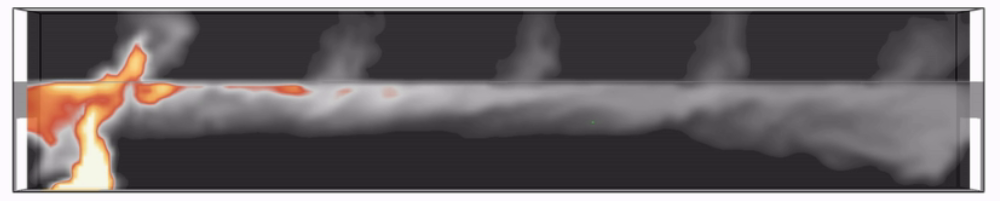
The first version of FDS (NIST) was publicly released in February 2000.
What is FDS used for?
Today, FDS is widely used in fire safety engineering for both design and analysis purposes.
Typical applications include:
- smoke control and smoke management system design
- sprinkler and detector activation studies
- reconstruction of residential and industrial fire scenarios
Throughout its development, FDS has been aimed at solving practical fire problems in fire protection engineering, while at the same time providing a tool to study fundamental fire dynamics and combustion.
How does FDS work?
FDS is a program that reads input parameters from a text file, computes a numerical solution to the governing equations, and writes user-specified output data to files.

Smokeview is the companion visualization tool used to read these output files and display results such as smoke movement, temperatures, velocities, and other quantities of interest.
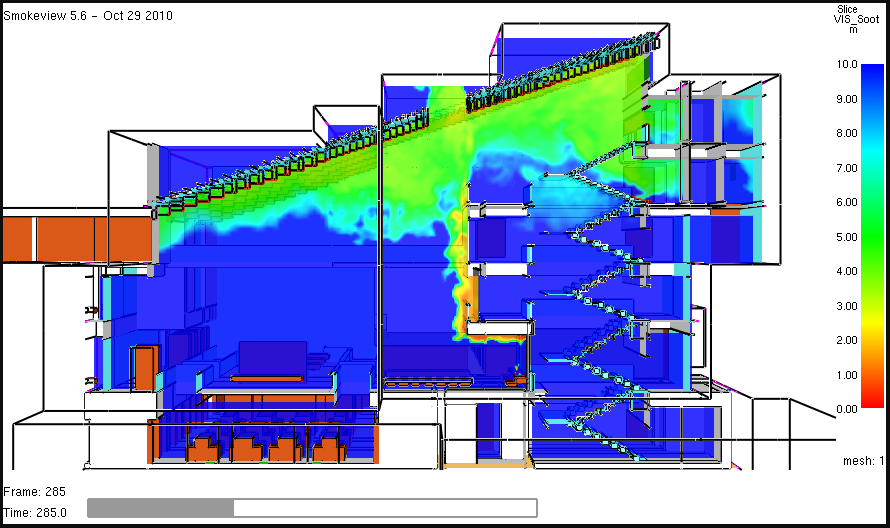
Smokeview has a simple menu-driven interface.
FDS itself does not have a graphical user interface.
However, several third-party tools exist to help generate or edit FDS input files.
Note for beginners
If you are new to FDS, you may want to check the FDS Fundamentals Course.
How can I get FDS?
FDS (NIST) is free and you can download it on the NIST official page:
https://pages.nist.gov/fds-smv/downloads.html
Next step
Now that you know what FDS is and what it is used for, the next step is to install the software and run your first FDS job.