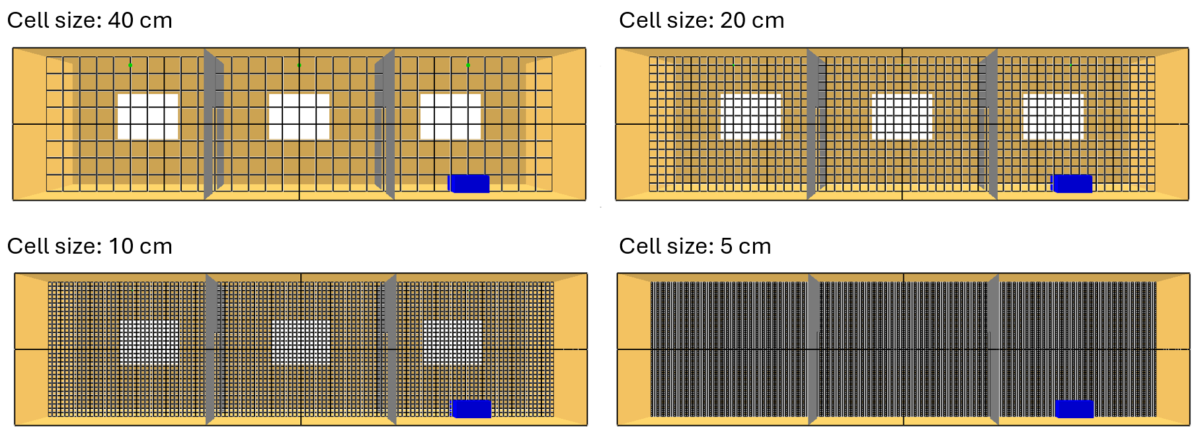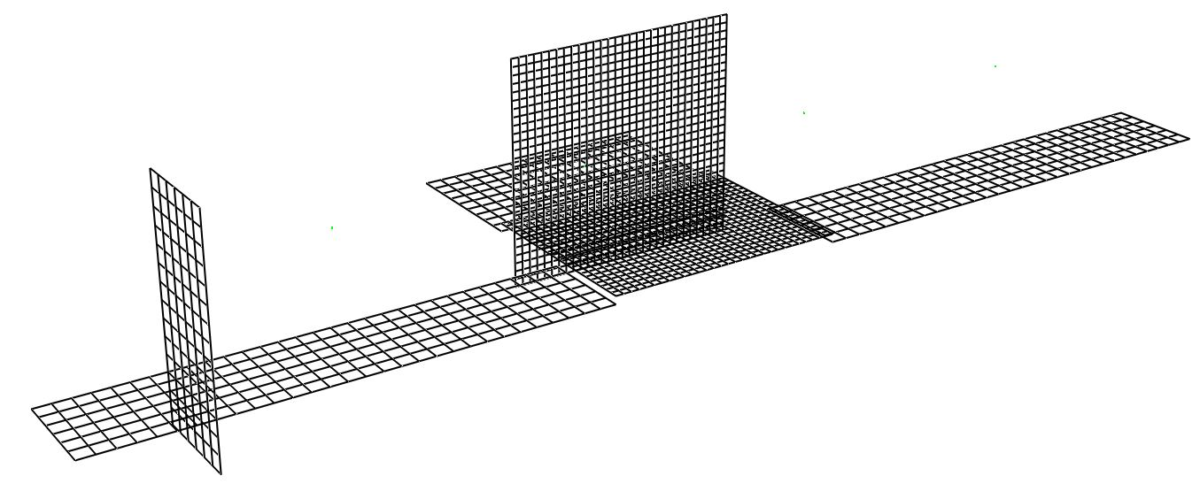
In Fire Dynamics Simulator (FDS), a mesh sensitivity study is the process used to verify that simulation results are controlled by the modeled fire physics rather than by the numerical resolution of the computational grid. This step is essential for any simulation intended to support engineering decisions, because an inadequate mesh can produce apparently reasonable […]
Author: Andrea
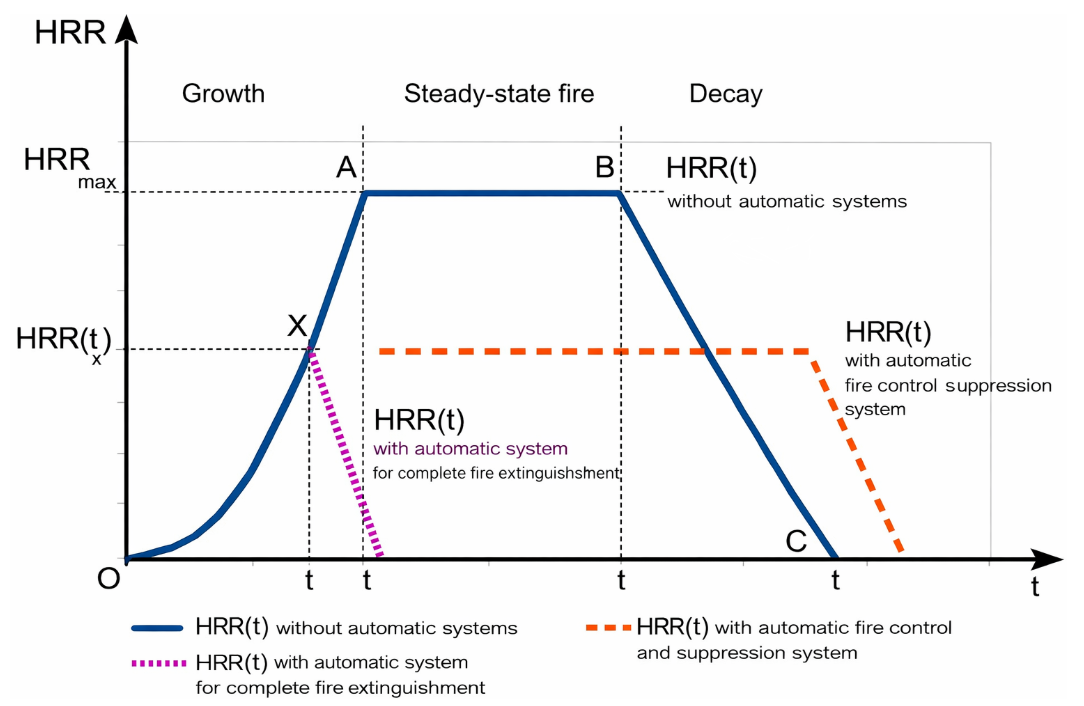
The Heat Release Rate (HRR) is the single most important variable in fire hazard analysis. It serves as the primary driver for all quantifiable fire effects, including compartment temperatures, smoke transport, and the activation of fire protection systems. This article explains how to calculate the Heat Release Rate (HRR) curve, a key variable in fire […]
How to Use the FDS User Guide
The Fire Dynamics Simulator (FDS) User’s Guide is the primary reference for anyone performing computational fluid dynamics (CFD) simulations of fire-driven flows. It is comprehensive and authoritative, but its length and technical density can easily overwhelm new users. This article explains how to use the guide efficiently, which sections matter most at each stage, and […]
Simple radiator
In this FDS example a simple radiator in a room is simulated. 1. Description In a room with dimensions of 4 x 3 x 3 m, the radiator is simulated by modeling obstruction with a high surface temperature. 2. Mesh The computational volume is divided into several meshes.The meshes increase in definition as their proximity to the radiator […]
FDS Mesh size calculator
This Mesh size calculator for FDS was originally developed by Kris Overholt (website). The script finds the optimal (Poisson-friendly) MESH division numbers and generate the MESH lines ready to be placed in the FDS input file. The FDS tool generate 3 different MESH lines corresponding to different resolutions (coarse, medium, fine). It will be up […]
Simple Air Conditioning in a Room
In this FDS example a simple HVAC system in a room is simulated. 1. Description In a room with dimensions of 5.4 x 3.6 x 2.82 m, the HVAC system is simulated by introducing and extracting air. As you will see in the .fds file, the initial temperature is specified via the command & MISC […]
Fire related Articles and Studies
Through the following search bar it is possible to find articles, studies, experiments related to fire modeling and fire in general.The search engine was developed, with Google technology, to allow searches in the most important databases of scientific publications relating to the fire-fighting sector in the world. Search Engine – Fire related Articles and Studies […]
Fire Dynamics Tools (FDTs)
The U.S. Nuclear Regulatory Commission (NRC) has developed quantitative methods, known as Fire Dynamics Tools (FDTs), for analyzing the impact of fire and fire protection systems in nuclear power plants (NPPs). These methods have been implemented in Microsoft Excel® spreadsheets, which are publicly available at the official U.S. NRC website. You can download the spreadsheet you need from […]
Simple Supply and Exhaust Vents
In this short tutorial you will learn how to model simple supply and exhaust vents. 1. Geometry and duration In this example we will model an exhaust and a supply vent in a 3 m x 4 m x 3 m room: &MESH XB= 0, 3, 0, 4, 0, 3, IJK= 30, 40, 30 / […]
In this Smokeview tutorial you will learn how to use the basic functions of the software. 1. Opening a Smokeview file To open a Smokeview file (.smv) you just have to double click on it. Two windows should now be opened by the software: In the “visualization window”, Smokeview will automatically show the geometry of […]